
*This post may contain affiliate links for which I earn commissions.*
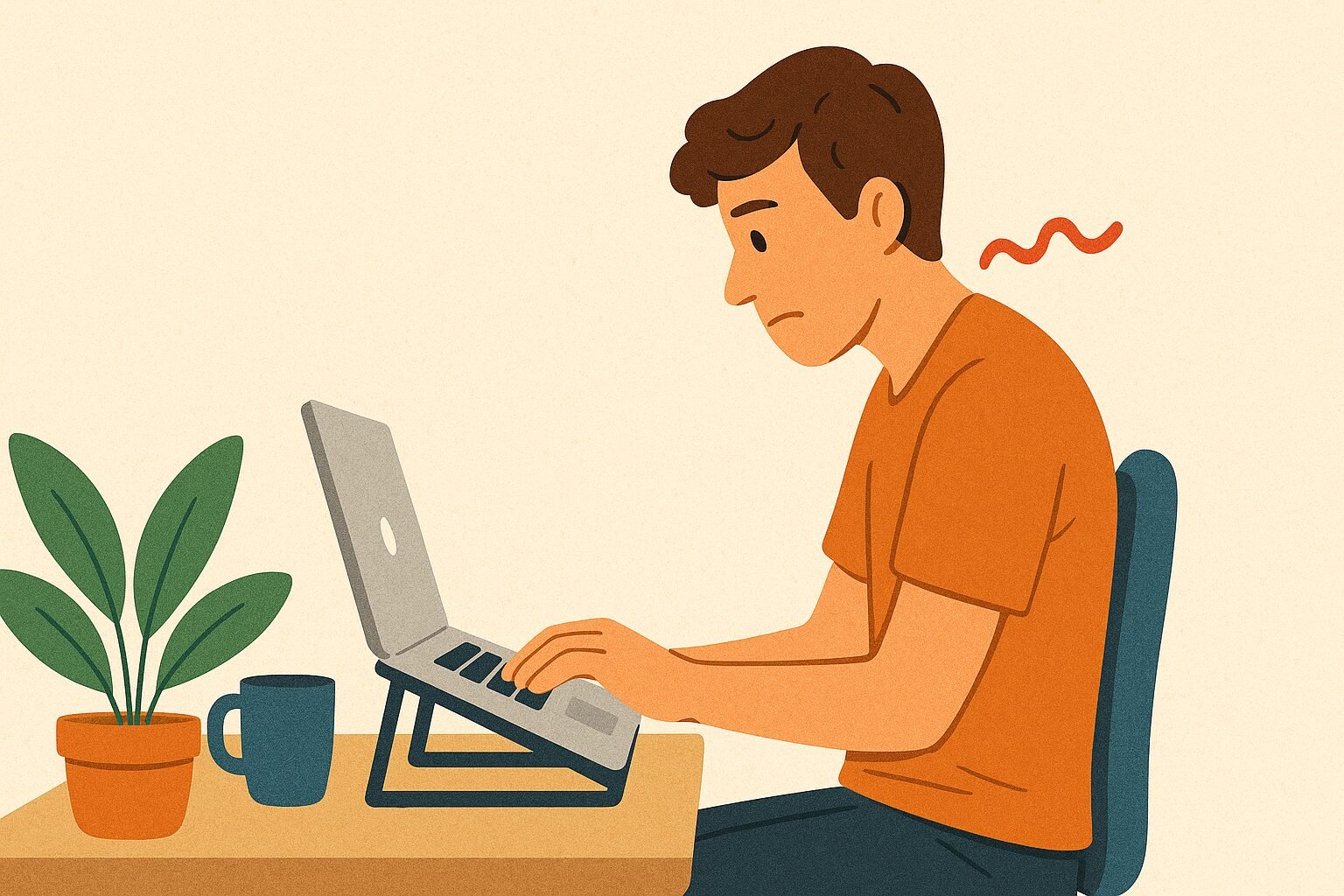
Before you dive into another long workday, let’s talk about something that often gets overlooked: posture. Working from home gives us comfort and flexibility, but it also comes with hidden challenges, like how easy it is to slouch at the kitchen table for hours. I know this all too well.
In my early days of remote work, I ignored posture completely. By the end of most days, my neck was stiff, my back ached, and I’d get tension headaches that made it hard to stay productive. Once I made simple adjustments, feet flat on the floor, screen at eye level, sitting upright, the difference was immediate. Less pain, more energy, and better focus.

Why Posture Really Matters
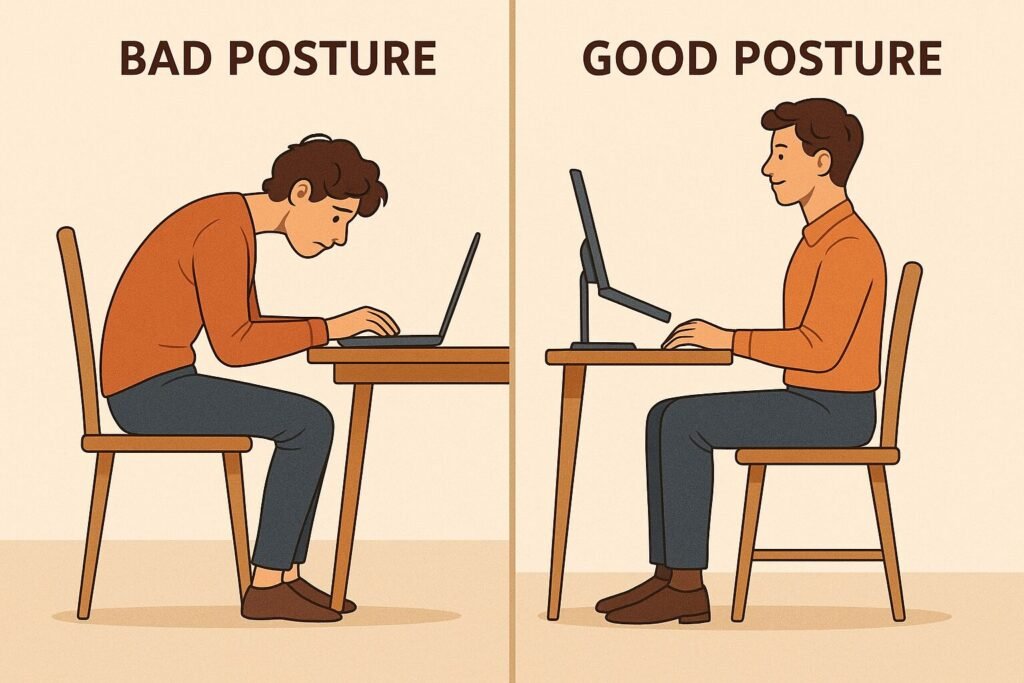
Posture isn’t just about looking professional on video calls, it’s about how your body supports you through hours of desk work. Good posture maintains the natural curve of your spine, preventing unnecessary strain. It reduces the risk of lower back pain, stiff shoulders, and neck aches that creep in after sitting too long. Even more, it helps you stay alert and focused, fighting off that mid-day slump where fatigue usually takes over.
Key Benefits of Good Posture
- Spinal Support: Proper posture keeps the natural alignment of your spine, lowering the chance of long-term back issues.
- Better Focus: A straightened posture helps you breathe more deeply and stay energized, which translates into sharper concentration.
- Pain Reduction: Less slouching means fewer aches in your back, shoulders, and neck.
- Higher Productivity: When you’re not distracted by discomfort, you can get more done with less effort.
- Long-Term Health: Maintaining good posture now lowers your risk of chronic problems like herniated discs or recurring tension headaches later.
If you spend most of your day at a desk, especially working from home, paying attention to posture is essential. It’s easy to overlook, but small adjustments today can prevent major issues down the line.
Quick Posture Fix Checklist
✅ Keep your feet flat on the ground, not tucked under your chair.
✅ Adjust your screen so the top is at or just below eye level.
✅ Sit upright with your back supported, avoiding slouching forward.
✅ Relax your shoulders, keeping them away from your ears.
✅ Take short breaks every 30–60 minutes to stand, stretch, or walk.
✅ Use a chair that supports your lower back’s natural curve.
✅ Keep wrists and forearms parallel to the floor while typing.
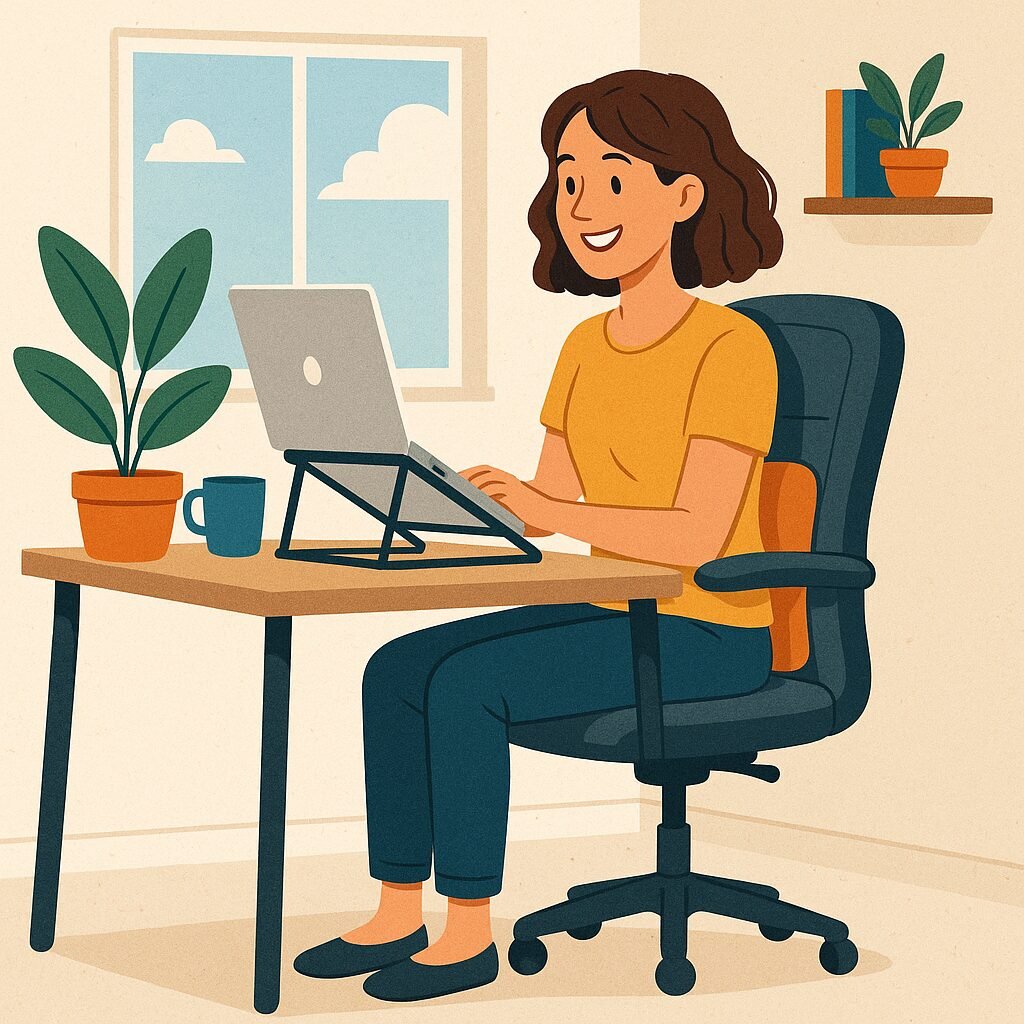
Posture might feel like a small detail, but it has a huge impact on how you feel and perform throughout the day. The right adjustments can turn daily discomfort into sustained energy and focus. So, as you set up for your next work session, take a moment to sit upright, adjust your screen, and let your body support you. Your future self will thank you.